Venusinone
AI Workflows for Web Design
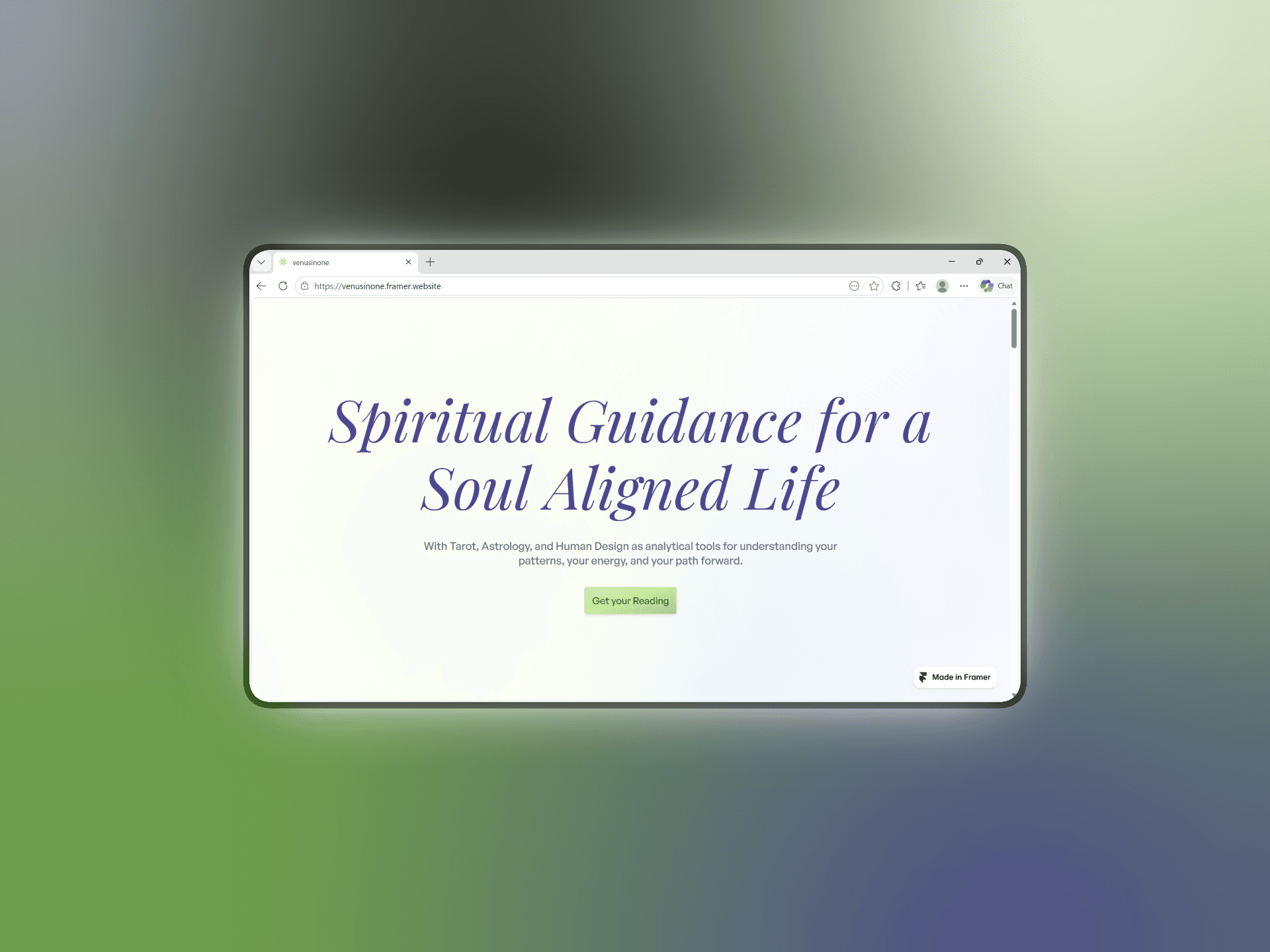
Framer Website Link
Site URL:
Overview
Venus in one is a brand offering tarot, astrology, and human design based spiritual guidance services. As the brand evolved, the original website no longer reflected the quality, emotional tone, or expanded offerings of the business.
The Problem
The original website had:
inconsistent typography and spacing
scattered visual styles
weak hierarchy
limited scalability
unclear service structure
low visual cohesion
The brand also expanded beyond tarot readings, requiring a clearer information architecture and more structured user experience.
My Role
UX strategy
UI design
Design system creation
Responsive web design
Framer development
AI-assisted workflow orchestration using tools like Antigravity, Codex, Figma Console MCP, Framer Design Bridge, Figma, Framer
Goals
The redesign focused on:
improving brand perception
creating a more premium experience
supporting multiple offerings
increasing visual consistency
building a scalable design foundation
Process
1. Building the Ethereal Design System
Before redesigning the website, I created a scalable design system to unify the brand experience across web and social media. It included:
New typography hierarchy
Refined color scales
Responsive variables
Reusable UI patterns
Structured spacing system
Variable Setups including brand, alias, mapped, and responsive collections
All this ensured a stronger visual consistency, faster iteration workflows, easier scalability, and improved brand coherence
2. AI-Assisted Concept Exploration
I used AI as rapid ideation partners during early exploration.
I created structured prompts outlining UX problems, branding guidelines, emotional direction, conversion strategies, new service structure, and all the other elements I had envisioned to be present in the new design.
I fed the same prompt to Codex and Antigravity which each generated their own version of the page. I took inspiration from the strong patterns observed in both versions, tweaked layouts, and integrated the design system and manually created a redesign from scratch in Figma.
3. Responsive Design & Framer Build
The final experience was refined and built responsively in Framer.
Challenge: Designing Within Free-Tier Constraints
The project relied heavily on free and low-cost tooling.
This required:
efficient iteration planning
adaptive workflows
strategic AI usage
selective refinement cycles
The process became a practical exploration of how AI can accelerate workflows without replacing UX decision-making.
Impact
UX & Brand Improvements
More premium visual positioning
Clearer service structure
Stronger visual hierarchy
Better cross-platform consistency (example: the design system not only worked for the website but also ended up improving the social media assets.)
Scalable design foundation
Workflow Improvements
Faster exploration cycles with AI
More efficient responsive design workflow
Easier future expansion
Key Takeaways
AI works best as a design accelerator.
The strongest results came from combining AI-assisted exploration with structured UX thinking and manual refinement.
Design systems improve scalability.
The Ethereal Design System created consistency across both the website and brand content ecosystem.
Coherence shapes perception.
Typography, spacing, hierarchy, and responsiveness collectively improved how the brand felt to users.
Framer Website Preview
Framer Website Link
Site URL:
Project Links
Figma Design File: